FFXIV | Device Management and Reset
How to Manage Devices in Immerse Gamepack Final Fantasy XIV
How to edit the device name?
Now you can remove or rename your devices on Immerse Gamepack app. Please follow the below steps to rename your device:
You have now successfully changed the name of your selected device.
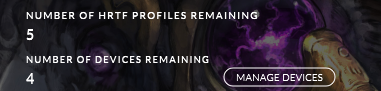
What does reset other devices mean?
Now we have options to remove/delete unwanted devices from the list. Removing unwanted devices from Immerse Gamepack app device list is a simple process that helps streamline your device count and keep your interface organized.
You can reset it at once by clicking on the option 'Reset Other Devices' under My Account --> Manage Device. This will reset all previously used devices except the current in-use one.
