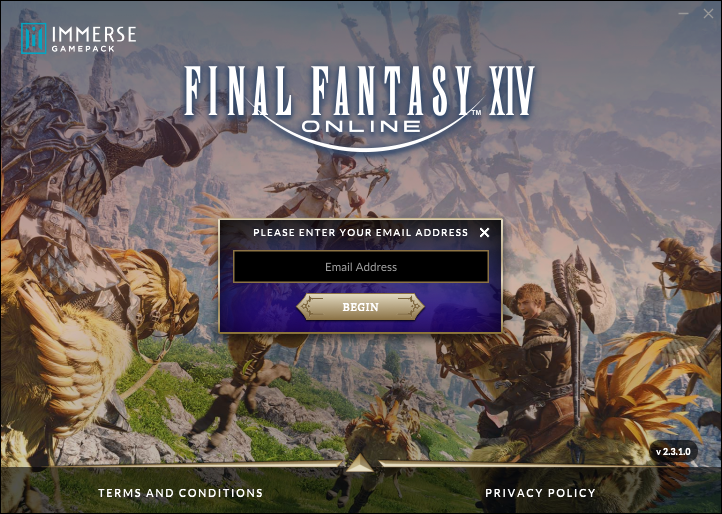
FFXIV | Purchase and License Activation
I have a purchased Immerse Gamepack FINAL FANTASY XIV edition app. How do I receive a license code?
After your purchase, you will receive the license code in your email. Please enter your license code to activate your Immerse Gamepack FINAL FANTASY XIV edition app license.
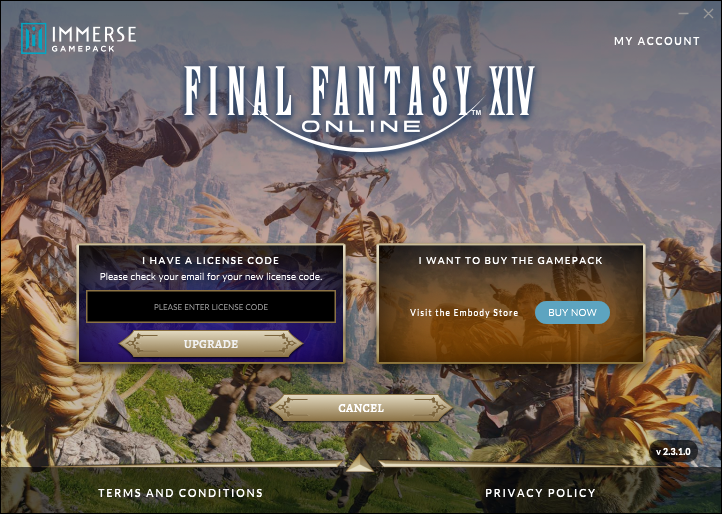
I have a trial account, what is the license code? How do I receive it?
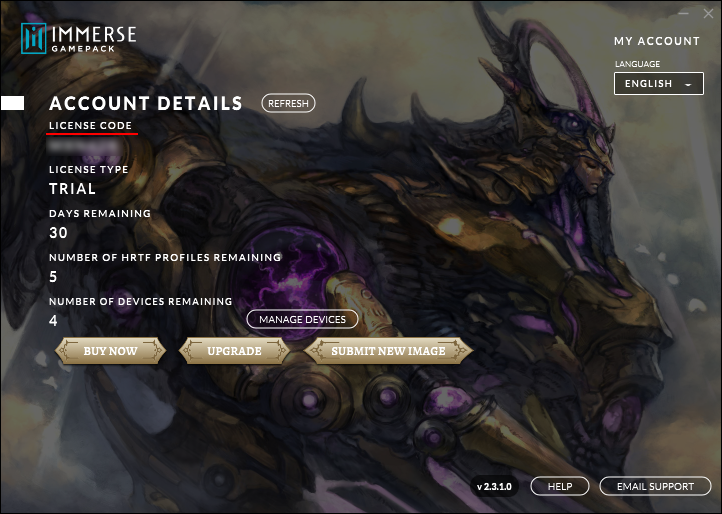
For trial account- After download, when you launch Immerse Gamepack app, you will be assigned a license code associated with your Immerse profile. You will need the license code if you want to download your Immerse profile on another device. It is suggested to save your license code. It can be found on the Immerse Gamepack application interface.
Should I activate my trial license on my web account page, or on the Immerse Gamepack application?
You can use either the Immerse Gamepack desktop app or Immerse Gamepack Web app to activate the trial account. You can download the Immerse Gamepack Installer from [here] (http://www.embody.co/ffxiv-download). Once installation is complete, select Launch Immerse Gamepack Final Fantasy XIV to activate your license or free trial.
or if the game prompts you to the web application, you can complete your profile on your browser. Please enter your email and activate your trial.